iPhone & iPad
- Open the app in Safari.
- Tap the Share button (the square with an arrow).
- Scroll down and tap Add to Home Screen, then Add.
 The RVA Engine
Open the app
Richmond, Virginia
The RVA Engine puts Richmond in one pocket app: tonight’s sky over the skyline, a swipe deck of things to do, a 3D board of eight neighborhoods, local feeds and the everyday tools you reach for.
Free, runs in your browser, works offline after the first visit. No account, no tracking: everything you save stays on your device. The Transit tab asks a relay for GRTC’s public Pulse arrival times. It sends no account, location or saved data; like any web request, the relay’s host (Cloudflare) sees your IP address and browser type.

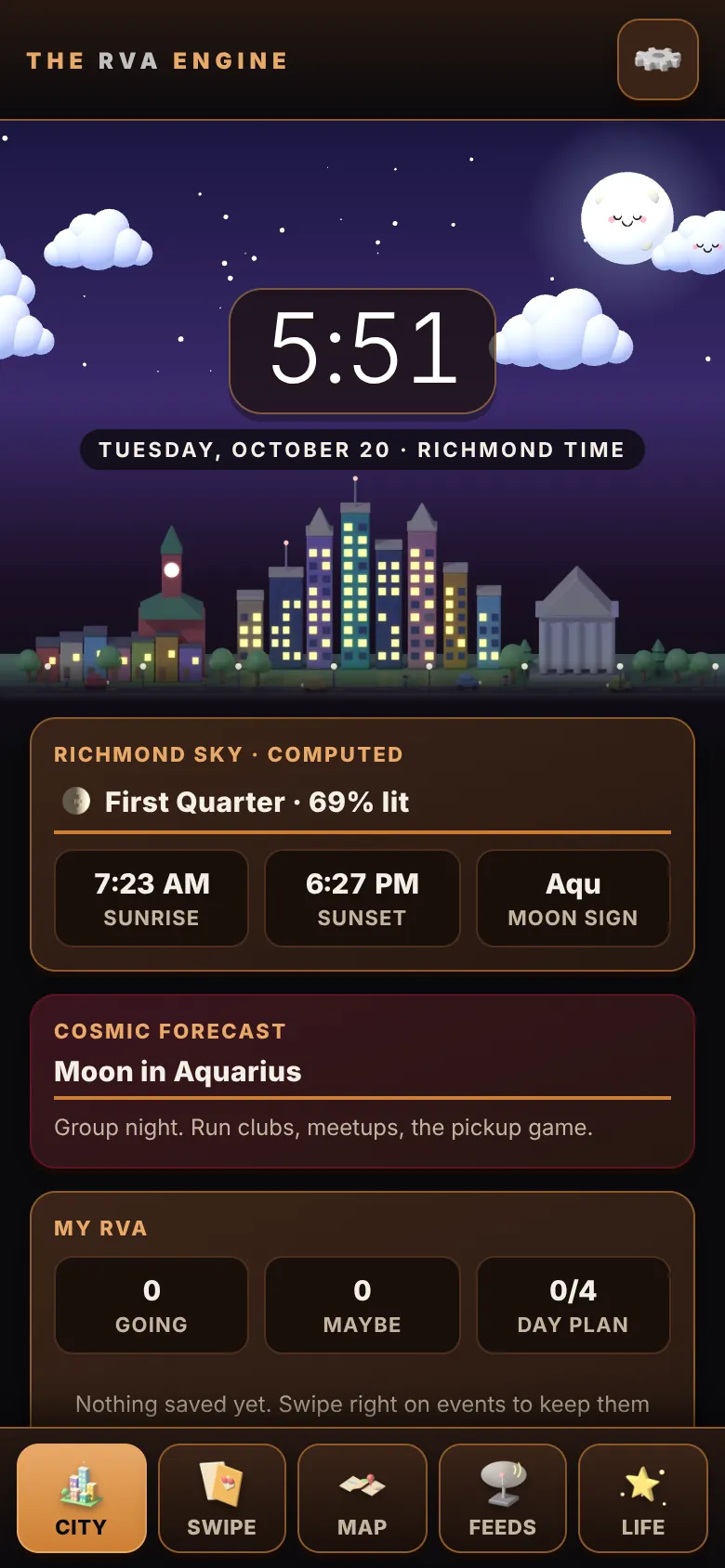
The home screen is the Richmond skyline under a real sky: sunrise, sunset and the moon phase are computed for the city’s coordinates and Eastern time, with the clock and a short read on the night ahead.

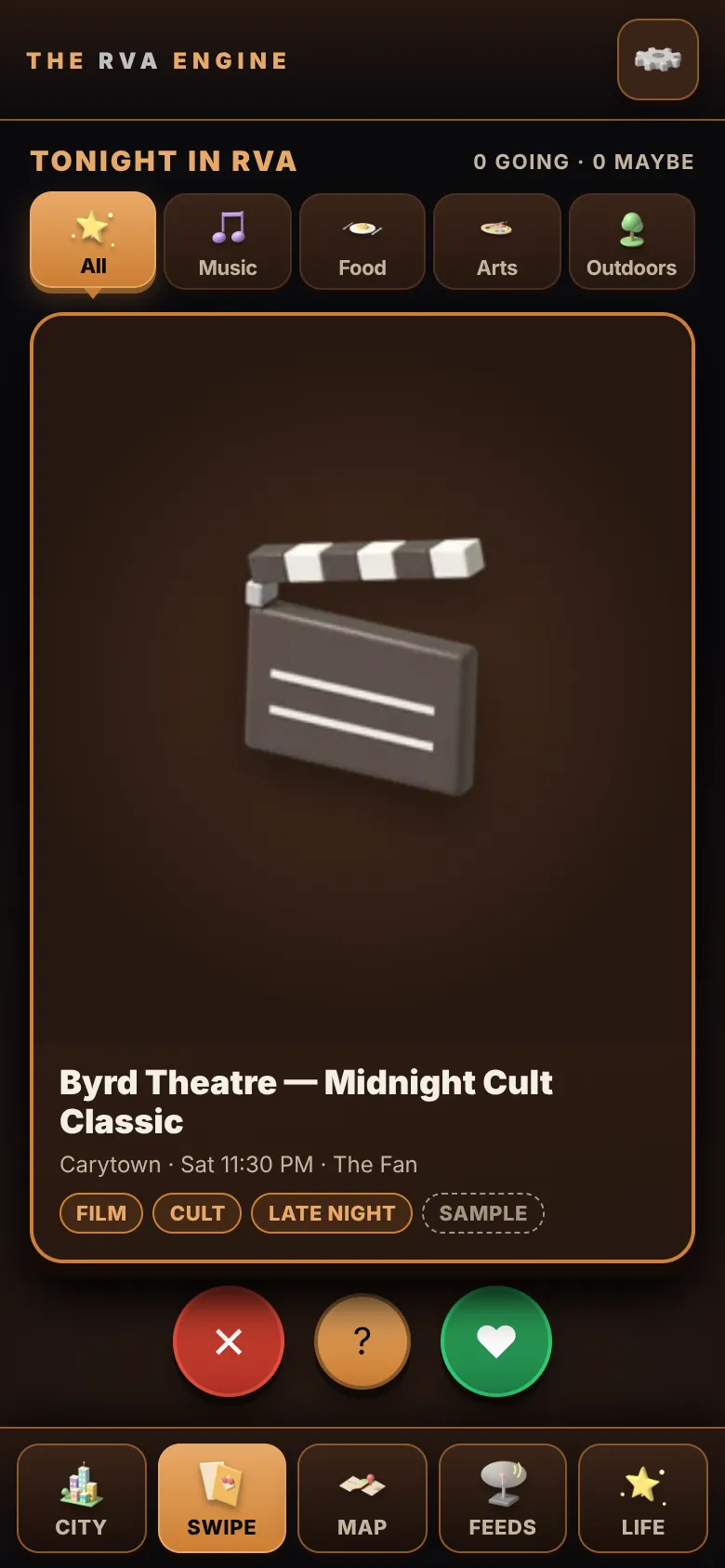
Tonight’s plans as cards. Swipe right or tap the heart for “I’ll be there”, swipe left to skip, or tap the question mark for maybe. Filter by music, food, arts or outdoors; your picks are saved on your device for later.
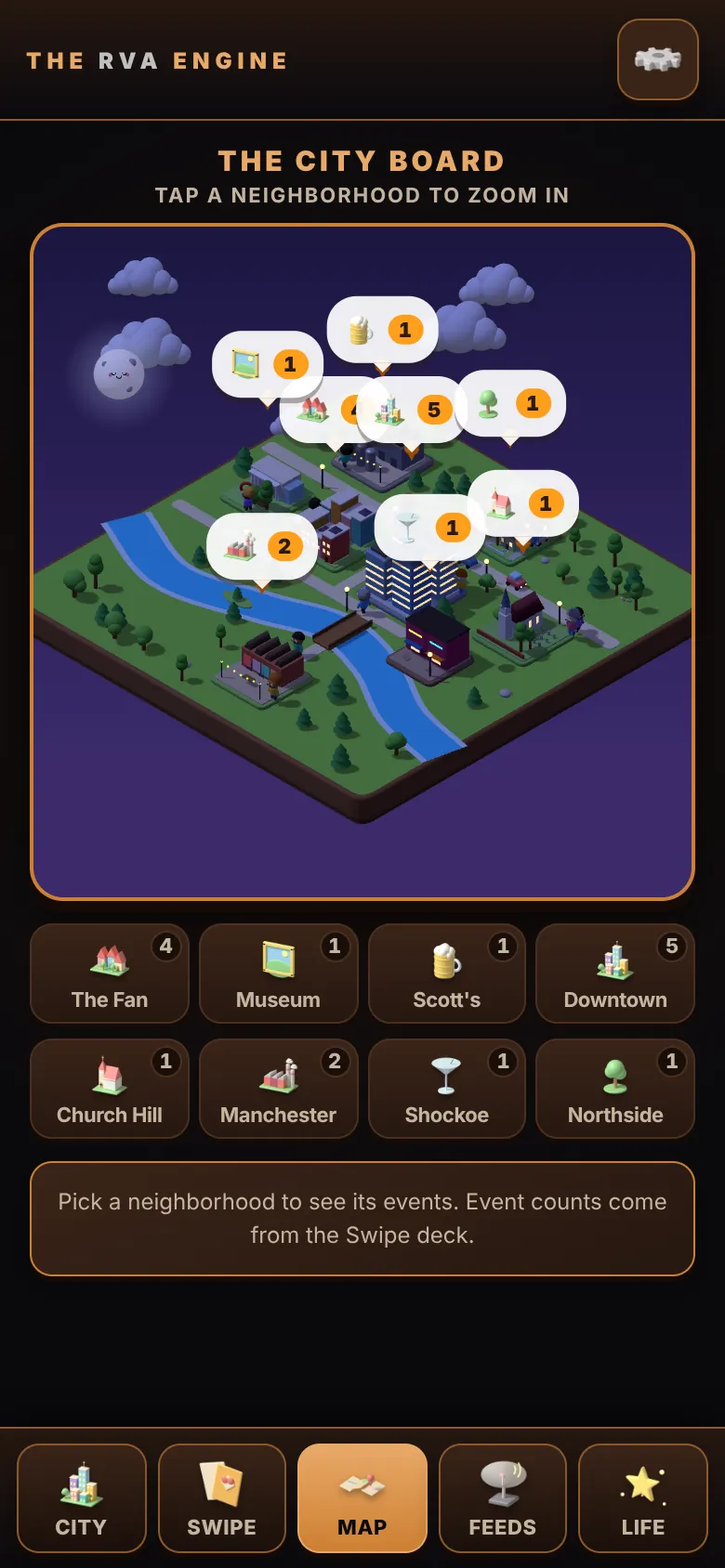
Eight neighborhoods as little dioramas on a game board, from The Fan and Scott’s Addition to Church Hill and Shockoe Bottom. Tap one to zoom in and see what’s on there. Phones without 3D graphics get a fast 2D board instead.

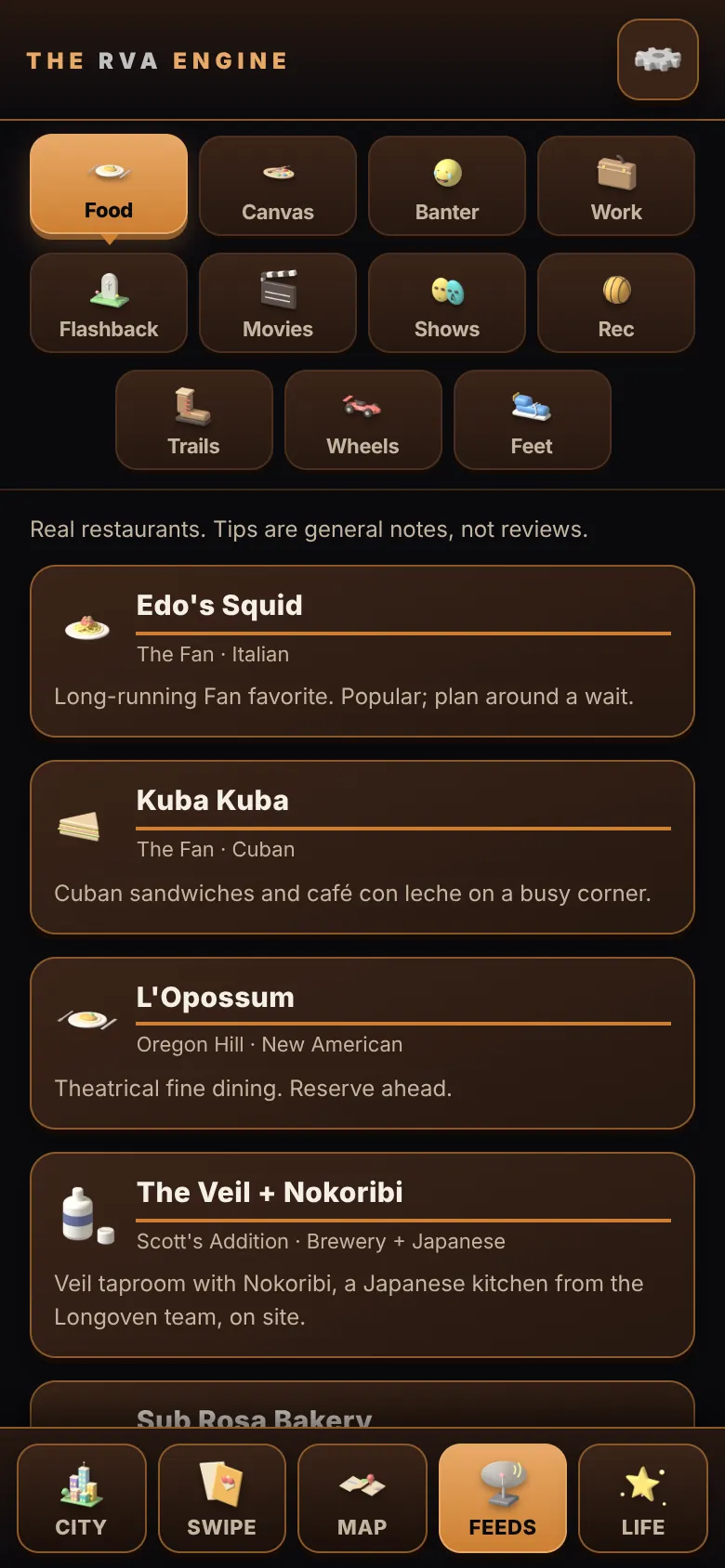
Food, Canvas, Banter, Work, Flashback, Movies, Shows, Rec, Trails, Wheels and Feet: eleven local feeds, each one tap away on its own tile, with nothing hidden off the edge of the screen.

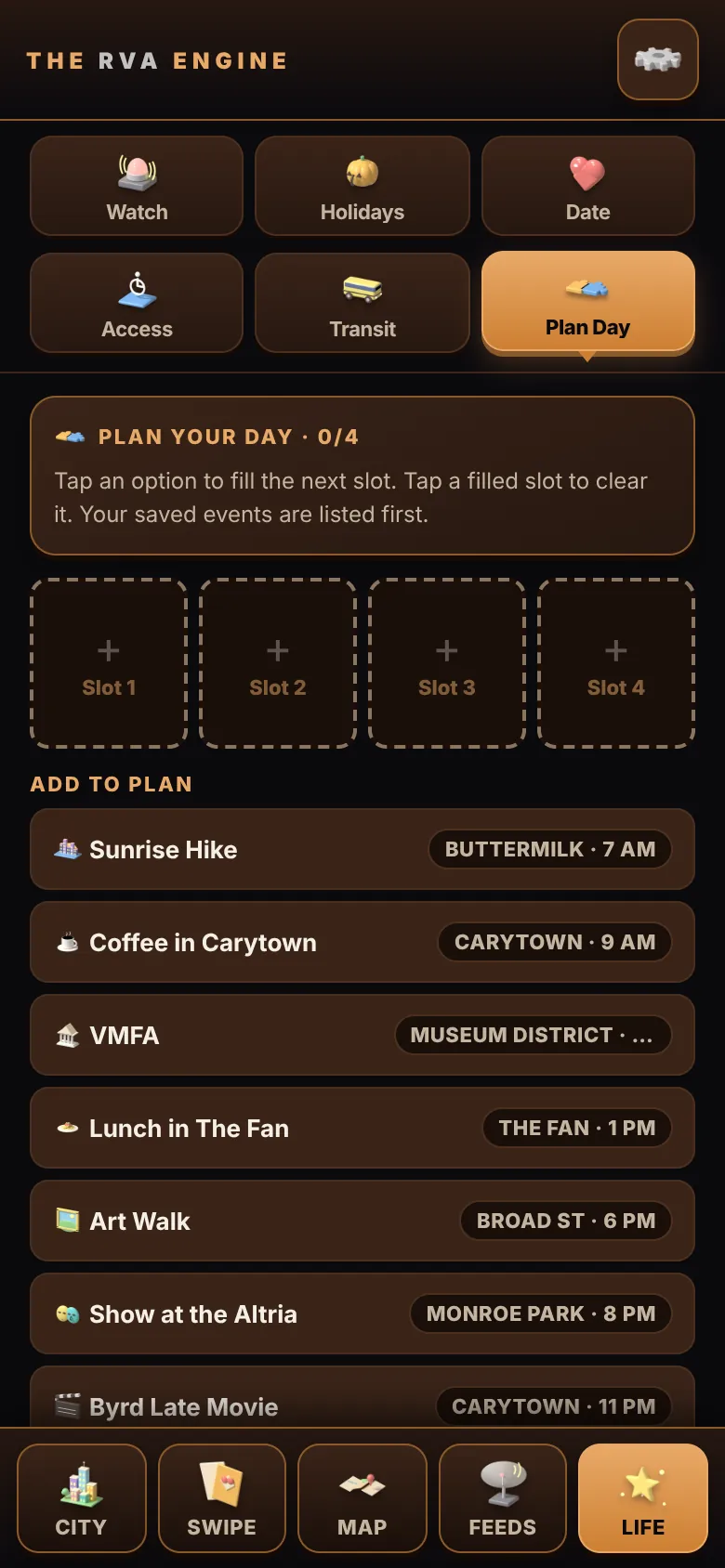
Watch alerts, holidays, date-night ideas, accessibility notes, transit times and a day planner: the small tools that make a city easier to live in.
Installed, the RVA Engine opens full screen from your home screen like any app, and keeps working without a connection.
The desktop app is the same RVA Engine in its own window. It works offline.
Download for Windows (GitHub Releases)Pick RVA-Engine-<version>-portable.exe (no install needed) or the -setup.exe installer · Windows 10/11, 64-bit
This page was built with RVA-Engine-1.1.0-portable.exe (93 MB), SHA-256 c05b496007b9ff1afb1f1bc6a6c15ca6c7be0e4207e4cdae99f4557e1920e7a5
The download is not code-signed yet, so Windows SmartScreen may warn the first time. Choose More info, then Run anyway. On a Mac or Chromebook, use the web app.